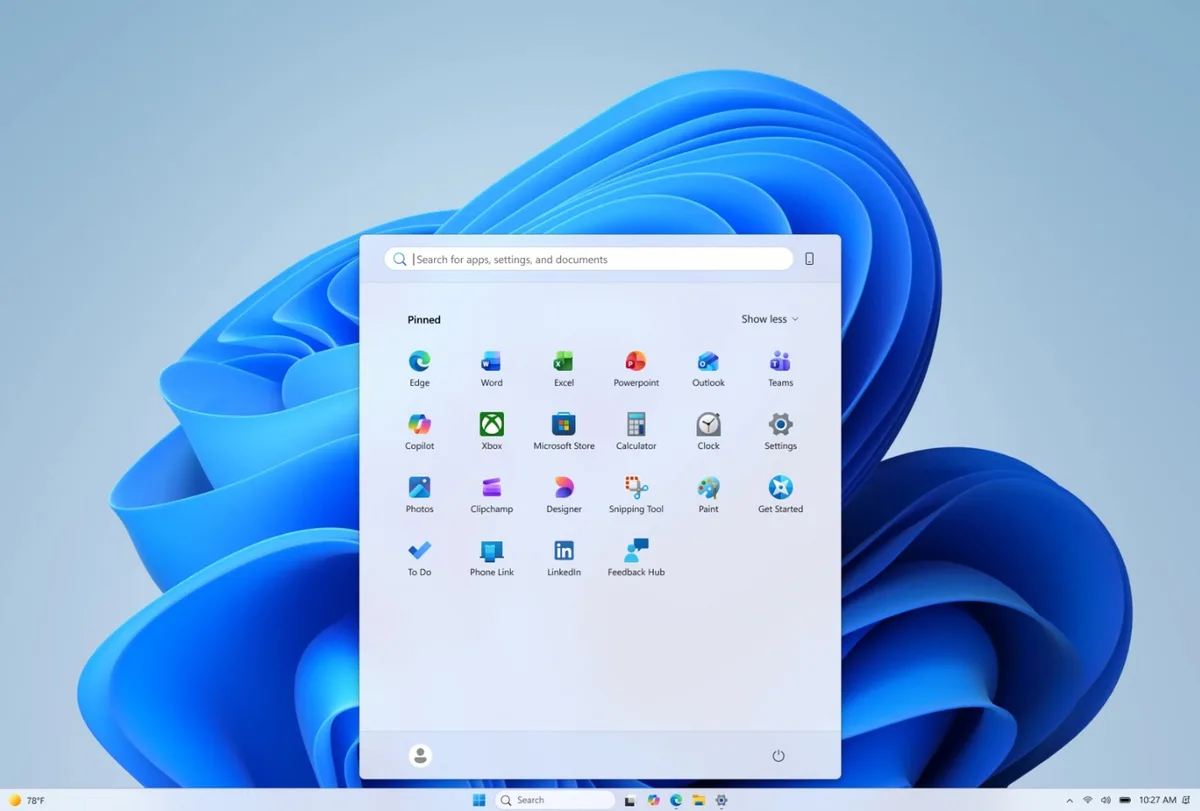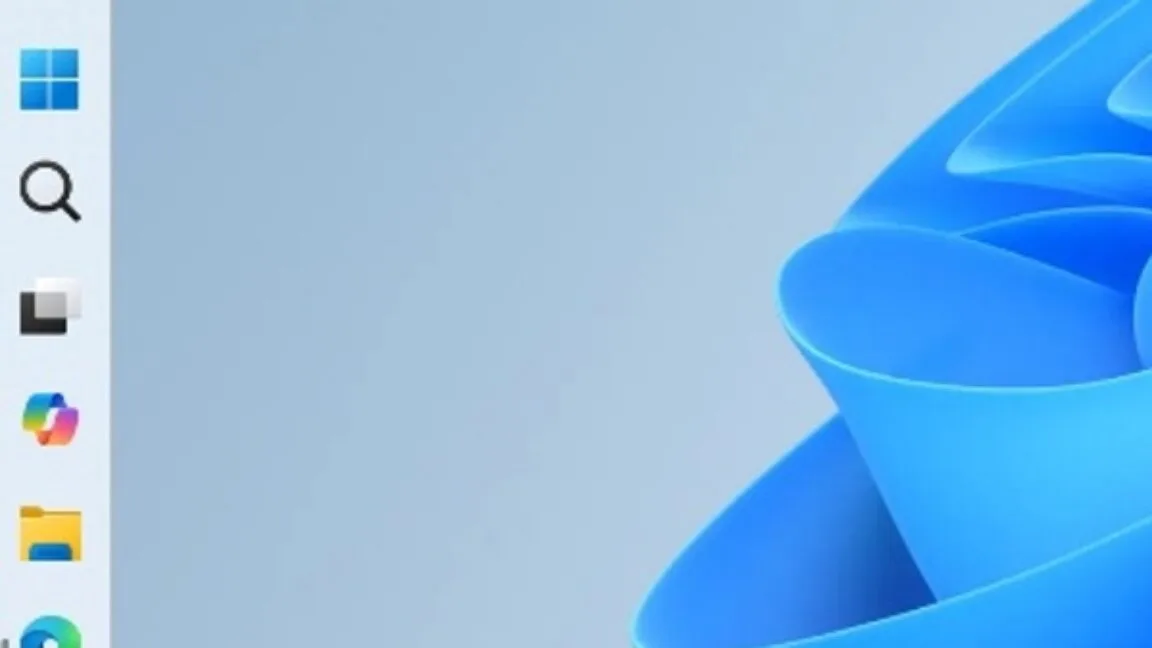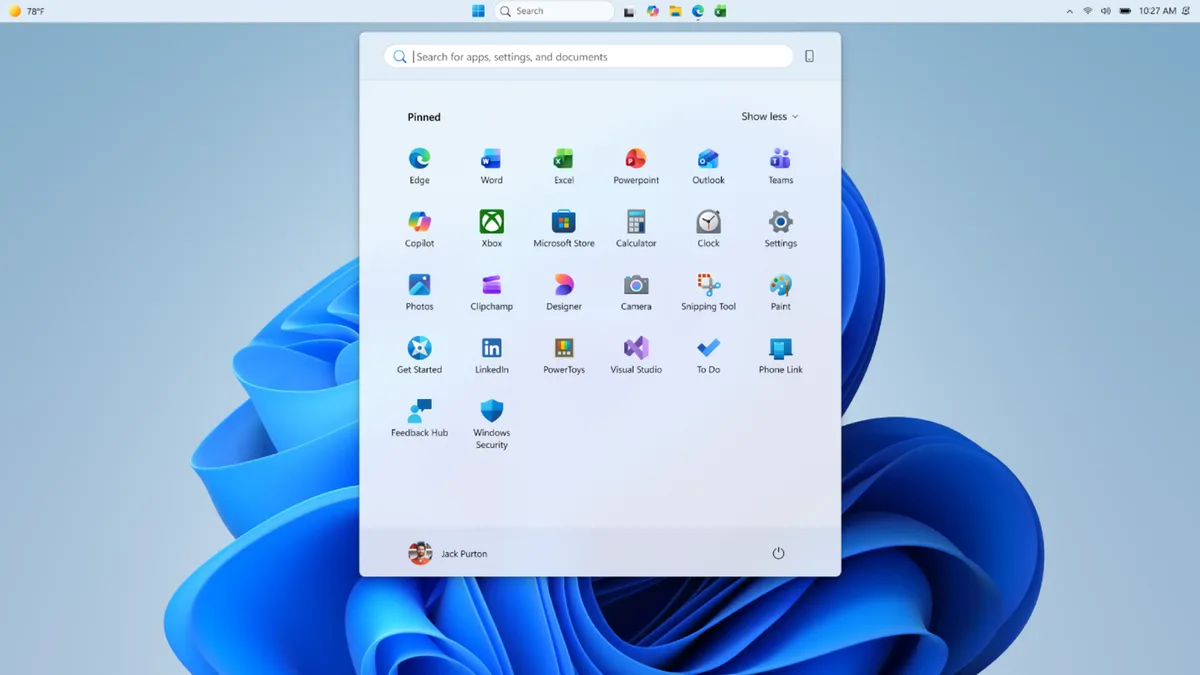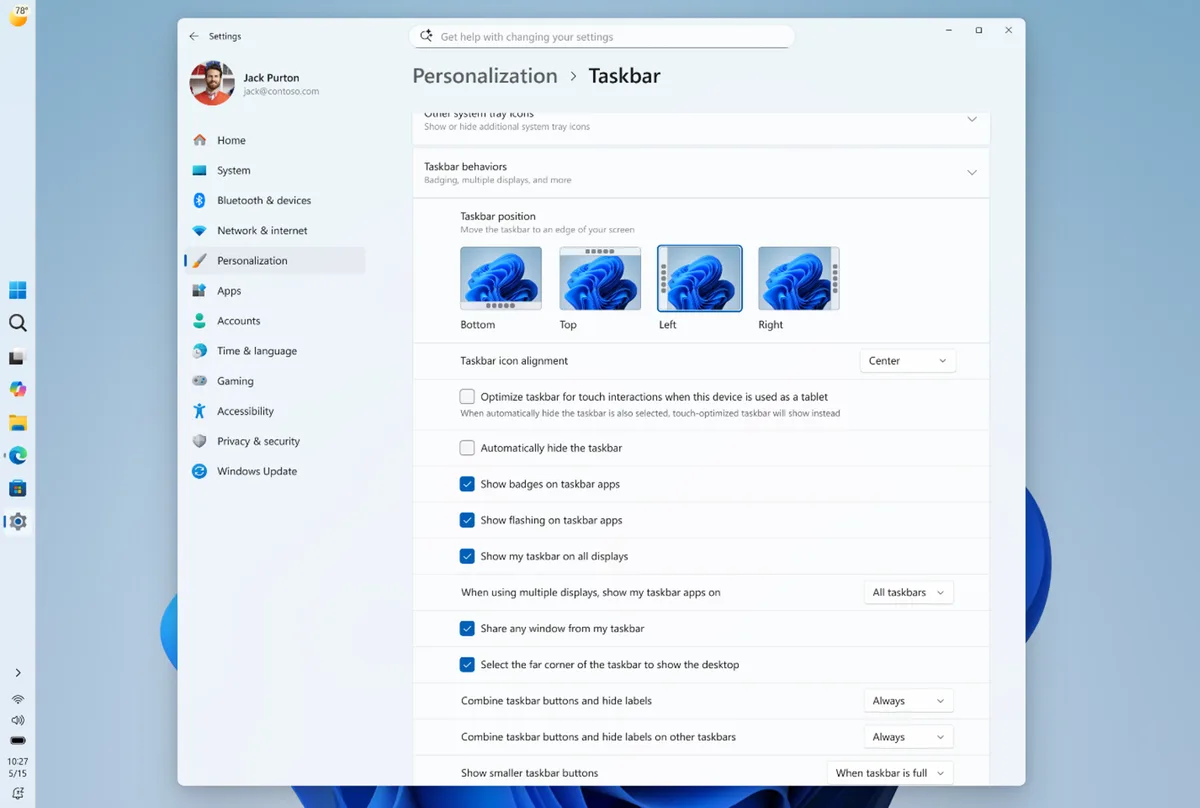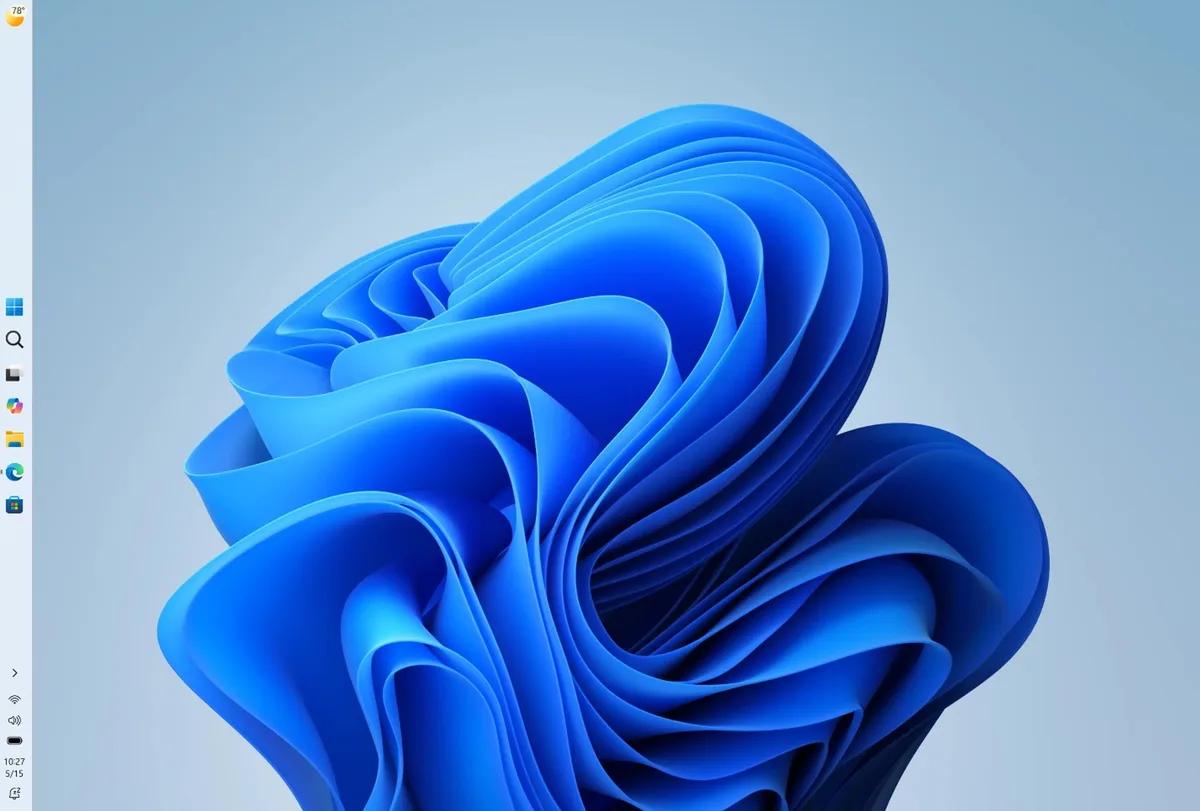
Microsoft started releasing new taskbar customization features for Windows 11 to Windows Insiders in the Experimental channel in May 2026 [1, 2, 3]. Users can now move the taskbar to any screen edge—left, right, top, or bottom—restoring a capability missing since Windows 10 [1, 2, 4, 3]. This return allows users to tailor the desktop layout more freely.
Along with repositioning, the taskbar supports different icon alignments and behaviors depending on its location. Users can choose centered or left-aligned taskbar icons to suit their preferences [1, 2, 3]. The taskbar also offers thin and wider display modes, including fully labeled buttons for applications in vertical layouts [2, 3]. These options accommodate various workflows and screen orientations.
Further customization lets users scale the taskbar smaller, with icons automatically shrinking. This is particularly useful for tablets or smaller displays [3]. However, some features remain absent for now. Taskbar auto-hide, a tablet-optimized mode with larger icons, touch gestures, and Search box integration have not yet been implemented but are planned for future updates [1].
Windows 11's Start menu is also gaining new configurability. It will include toggles to show or hide sections such as Pinned, Recommended, and All apps. Users will be able to resize the menu and hide their profile information if desired [2]. The Recommended section will be renamed to Recent, providing a clearer view of recently installed apps and files [2].
These updates are currently available only to Windows Insider testers enrolled in the Experimental channel, with no public release date announced [2, 3]. Microsoft appears to be gathering feedback before wider deployment.