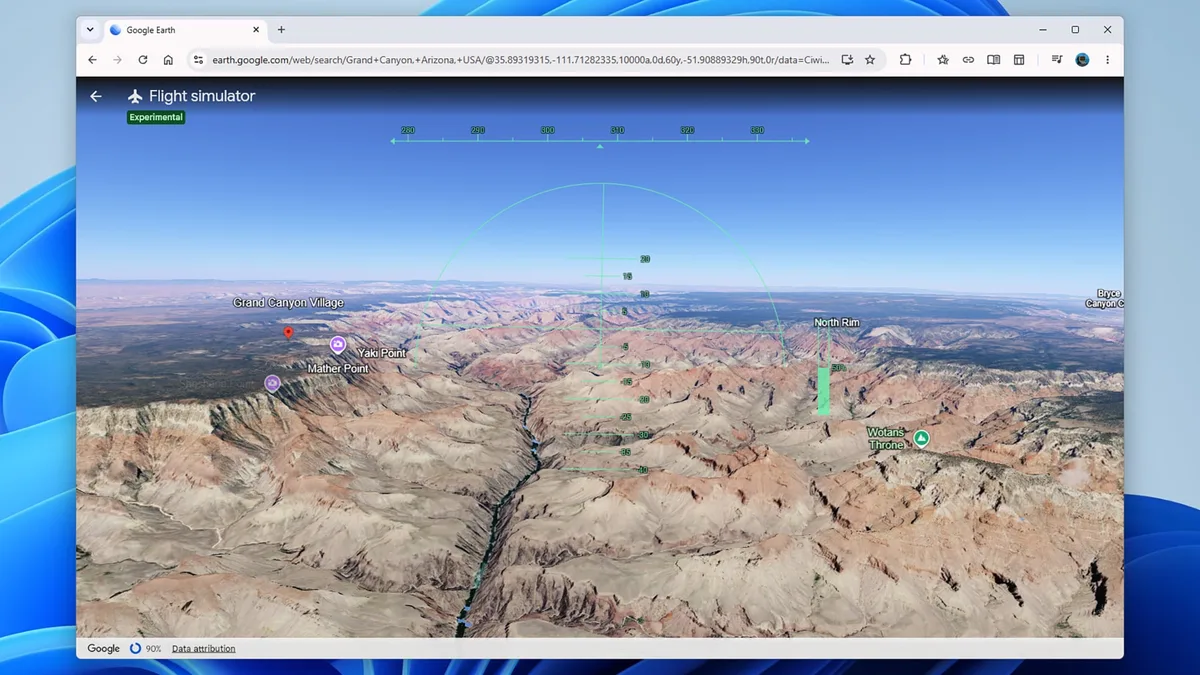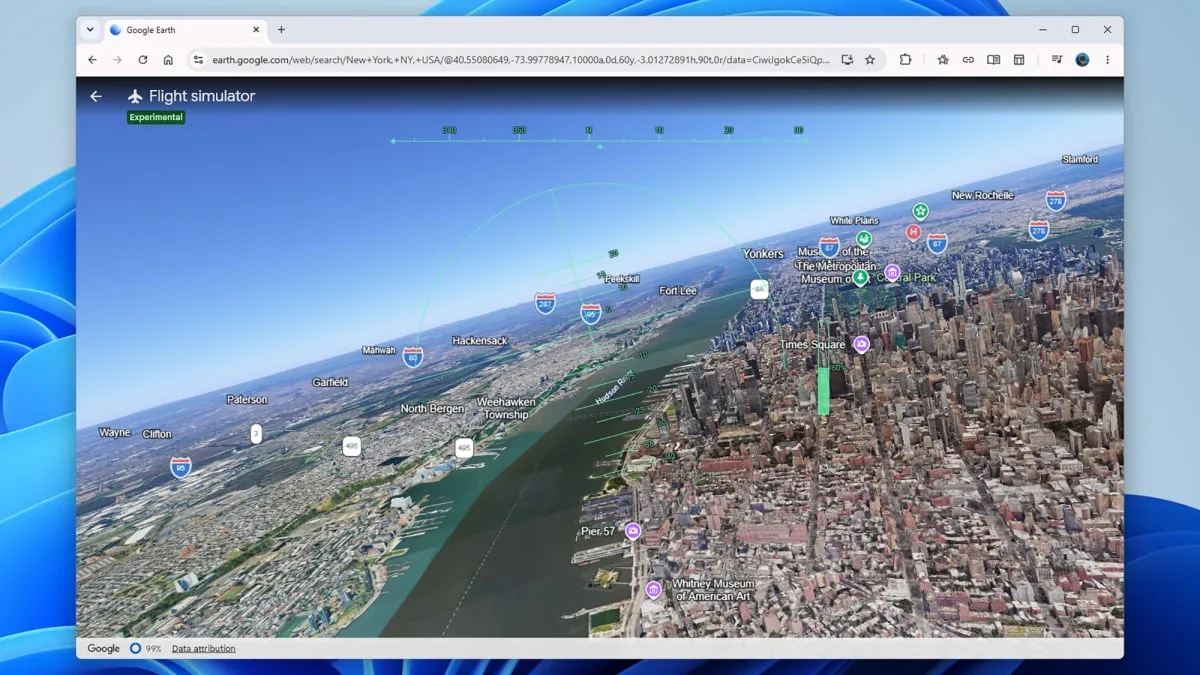
Google introduced a flight simulator mode on its Earth platform available directly in web browsers starting June 12, 2026 [1, 2]. Previously accessible only through the desktop app since 2007, the simulator now requires no installation or login, allowing users worldwide to start flying immediately via the Google Earth website [3, 4, 1, 2, 5].
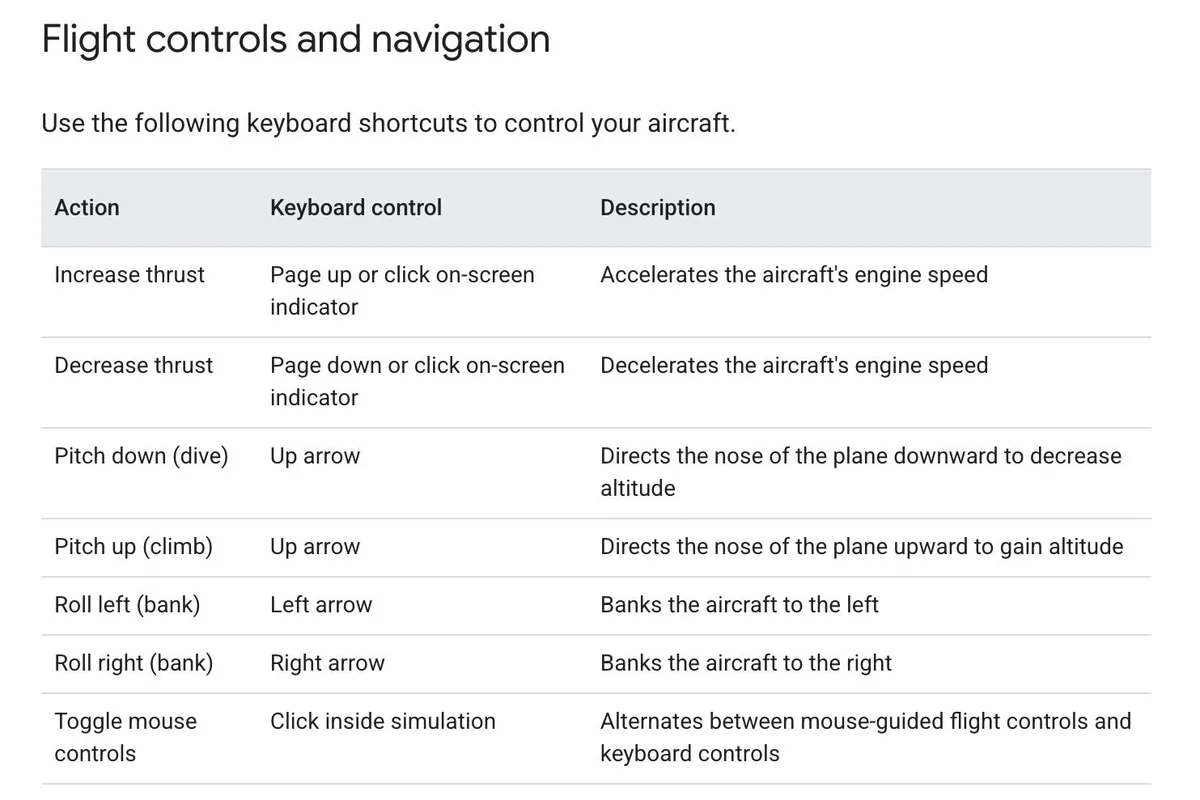
To activate the simulator, users visit the Google Earth site, click "Explore Earth," and select "Flight Simulator" from the Tools menu [3, 4, 1, 2, 5]. The experience is designed for casual exploration and entertainment rather than professional flight training [3, 4, 1, 2]. It features basic controls, such as mouse and keyboard inputs for directional movement and throttle adjustments using Page Up and Page Down keys or thrust buttons [3, 4, 5].
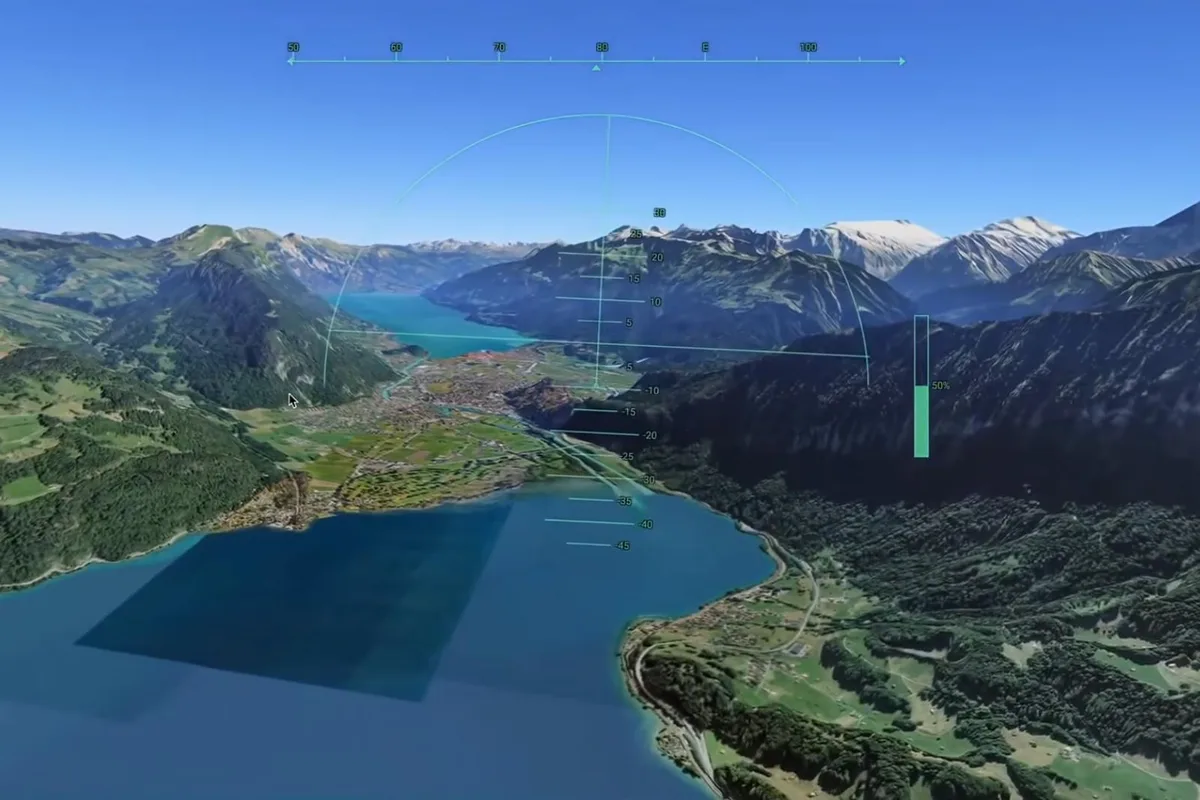
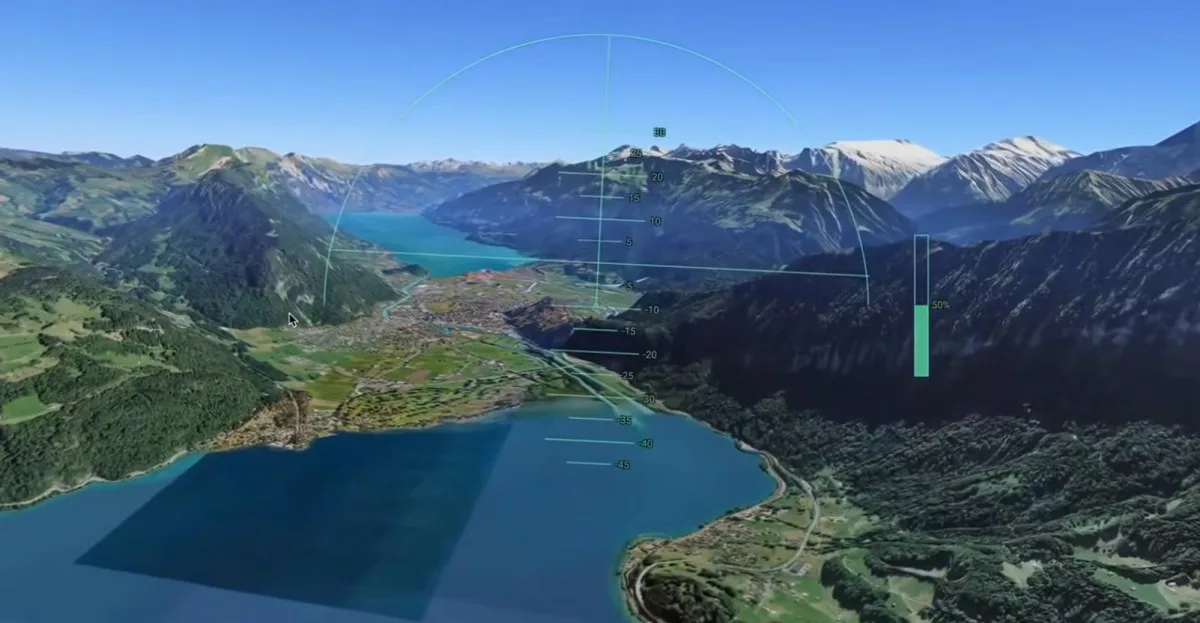
The simulator streams photorealistic satellite basemaps and 3D terrain in real time, offering immersive first-person views of locations including users' hometowns and famous landmarks like Taipei 101 [3, 2, 5]. If the virtual plane crashes or collides with terrain, the simulation pauses and users can reset to a safe altitude before continuing [3, 2, 5].
Performance depends on the user's browser, computer specs, and internet speed, with slower connections potentially causing loading delays [4, 2, 5]. Compared to more complex software like Microsoft Flight Simulator, Google Earth’s flight mode offers a simpler interface and less realistic physics and controls [3, 4, 5].
The web flight simulator launch builds on recent efforts to expand Google Earth’s desktop professional features to the web platform, such as adding elevation profiles and new import capabilities [1, 2].